

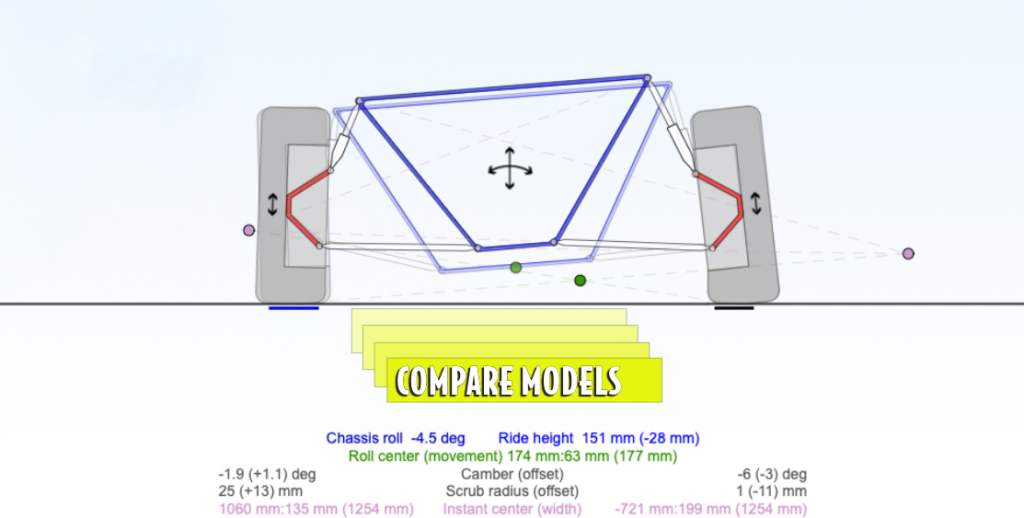
Compare
Compare makes your suspension development easier by letting you duplicate a model in memory, edit the copy, and keep the original visible in the background. That means every change can be judged against a known starting point, making it easier to understand what improved and what did not. [1]
It also gives you the opportunity to revert to the original design, if you wish.
You can also compare your design with another model by loading its code or URL, making the feature useful for benchmarking or using an existing model as a template.
Analytics stay focused on the foreground model.
Instructions
- Open the Suspension Geometry Calculator or the Macpherson Geometry Calculator.
- Click “Duplicate model and compare changes” next to the reporting button.
- The calculator creates a copy of the current model.
- Click Edit and make changes to the design.
- The original chassis remains visible in the background.
- Click the double-arrow button to switch the foreground between the original and edited design.
Citations
Feature Matrix