
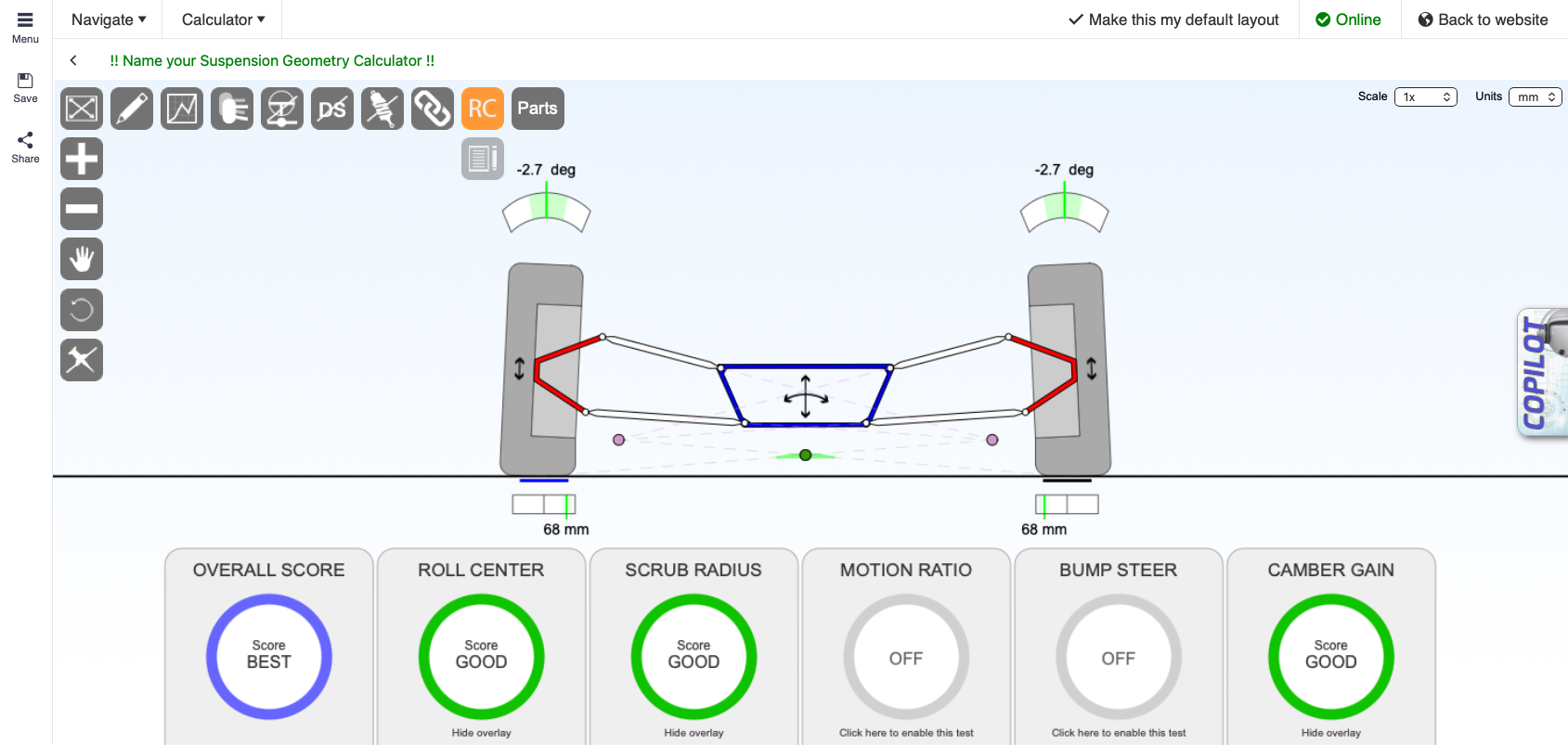
Racing Aspirations PWA: a focused, app-style experience
If you want a focused, full-screen way to use Racing Aspirations, try the PWA. It is a productivity-focused web application with the same form factor as the Windows application and the iOS and Android apps.
If you use Google Chrome, you can install the PWA to your desktop and launch it like a normal Windows or Mac application. It gives you a cleaner, app-like experience while keeping access to Racing Aspirations tools.
How to launch it
- Open Racing Aspirations.
- Open one of the calculators.
- Click the icon with the arrow pointing up and to the right within the toolbar.
- The PWA opens in a focused, full-screen app-style view.
You can also access it directly at https://www.racingaspirations.com/pwa
How to install the PWA
- Open Google Chrome.
- Open one of the calculators.
- Click the icon with the arrow pointing up and to the right within the toolbar.
- Click the Install icon in the address bar.
- Install the PWA to your desktop.
- Find the Racing Asp icon on your desktop and launch it like a normal Windows or Mac application.
Resources
Feature Matrix
| Guest | Free | Subscribed | AAA | |
|---|---|---|---|---|
LOGIN or SIGNUP to move to next tier | Subscribe to move to next tier | Thank's for your support. | Thank's for your support. | |
| Access full screen mode |  | |  | |

Access All Areas
You are $7.65 away from achieving access all areas. If you spend a total of $7.65 during a billing period you get full access to ALL calculators including as yet unreleased calculators, and no ads, anywhere. Not the expected values? Refresh