

Results:
| Corner Weights | Front to Back | Side to Side | Total | |||
|---|---|---|---|---|---|---|
| Front Right | Front | Right | ||||
| Front Left | ||||||
| Rear Right | Rear | Left | ||||
| Rear Left | ||||||

Access All Areas
You are $7.65 away from achieving access all areas. If you spend a total of $7.65 during a billing period you get full access to ALL calculators including as yet unreleased calculators, and no ads, anywhere. Not the expected values? Refresh

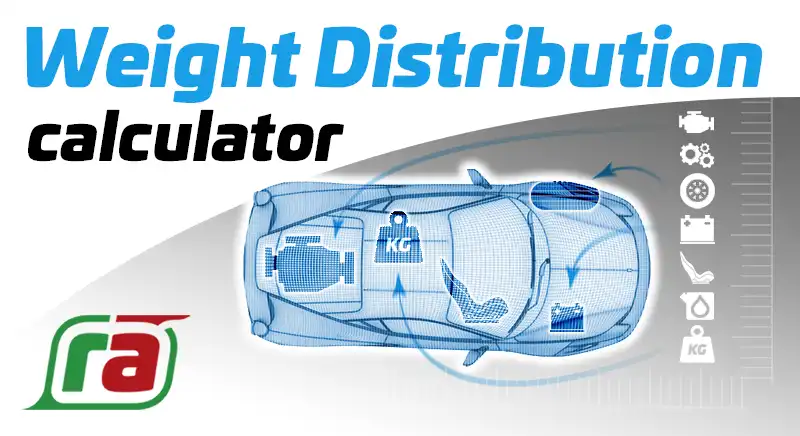
See how moving components around your vehicle can affect the center of gravity, moments of inertia and the weight distribution with this simple but effective drag and drop calculator. |
|
|||
InstructionsFirst, select a vehicle plan that vaguely relates to your vehicle. You can do this by pressing down on the vehicle plan then dragging it left or right.
Next, you have the option of adding the vehicle dimensions by pressing the underlined text surrounding the car. This step is optional and if you choose not to enter any dimensions the positions of the objects within your vehicle will be displayed as percentages.
The third and most important step is to position the components of your vehicle on the plan. You will notice a selection of components below the vehicle plan. You can move any number of these to the vehicle plan by pressing and dragging to your desired position. As soon as you release the component a popup is displayed asking you the weight of the component. You do not have to enter the weight right away as you can display it again by clicking on (or pressing down and releasing) the live component. However, you will need to enter the weight before the CoG (center of gravity) and weight distribution can be displayed.
Once you have entered the weight you will notice orange cross hairs are displayed with the CoG symbol at the intersection. You will also notice the actual weight and weight distribution is displayed.
|
EmbeddingDid you know you can embed a working example of your project within your own website? Just copy and paste the HTML code below:
|

Comments (22)
 |
|
|
Anonymous
November 9, 2009 at 5:09 pm
erm ye. wud be great if it worked… mite jus be my computer being crap..lol. wud be cool if i cud two engines on there.. |
 |
raul canelli
October 25, 2009 at 1:32 am
the distribution Weigth not working or safari or firefox |
|
|
raul
October 25, 2009 at 12:29 am
safari /firefox. |
 |
Huw
May 26, 2009 at 9:41 pm
Hi Raul, Which browser are you using? Huw |
|
|
raul canelli
May 26, 2009 at 1:51 am
no me funciona el weigth distribution |